Movecraft Designing
Part One was focused on the basics of using Creative Server commands and navigation.
Now, Part Two will be focusing on designing Movecraft and using Cannons.
Part Two (Craft Classes & Cannons) You are here |
BEWARE! If not registered in the # 📚|registry-channel of the SovereignMC discord server or in any other public forum your movecraft design may be at risk of being stolen! {.is-warning}
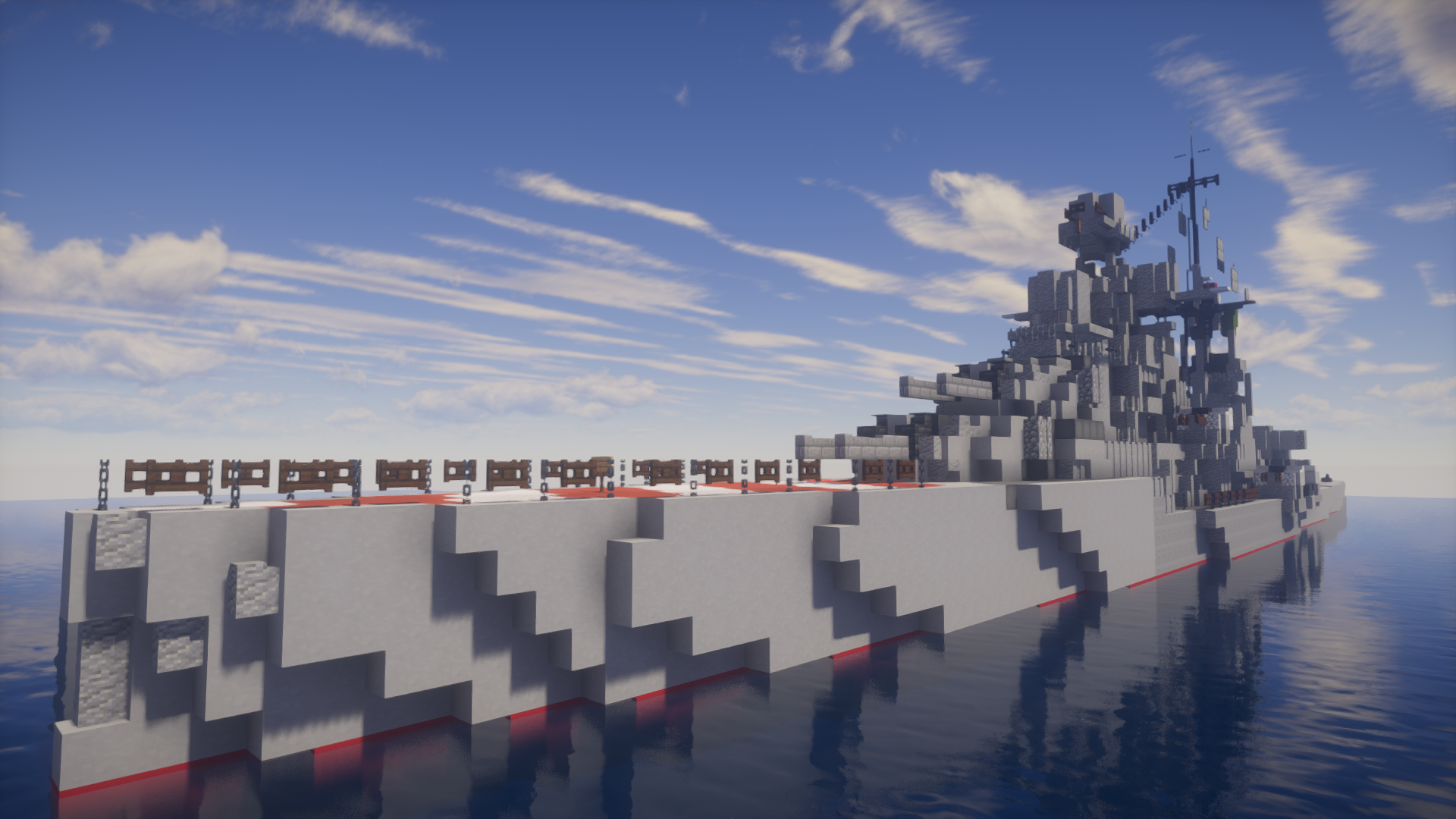
Movecraft Classes
There are many classes of Movecraft crafts categorized between land and sea.
Sea Classes
Land Classes
- (MBT) Main Battle Tank
- (IFV) Infantry Fighting Vehicle
- (SPG) Self-Propelled Gun
- (FSV) Fire Support Vehicle
Air Classes — WORK IN PROGRESS
Building Movecraft
As previously stated, the commands /craftcalc (craft) and /craftblocks (craft) are useful to designing the craft you want. /craftcomp, which was ommited from Part One, can be used to check the composition of your piloted craft.
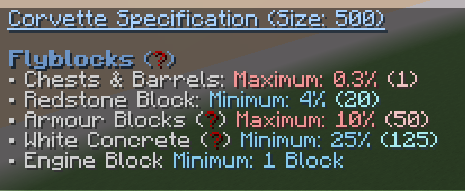
When designing crafts, keep in mind that:
- Every craft is unique and has its own requirements for it to successfully
/pilot. - Every craft has a minimum and maximum size.
- Every craft requires a minimum amount of certain blocks (i.e. Redstone Blocks, Concrete).
- Every craft has a maximum amount of certain blocks (i.e. Chests & Armour Blocks)
- Every craft can be stolen if not properly locked with an activated piston.
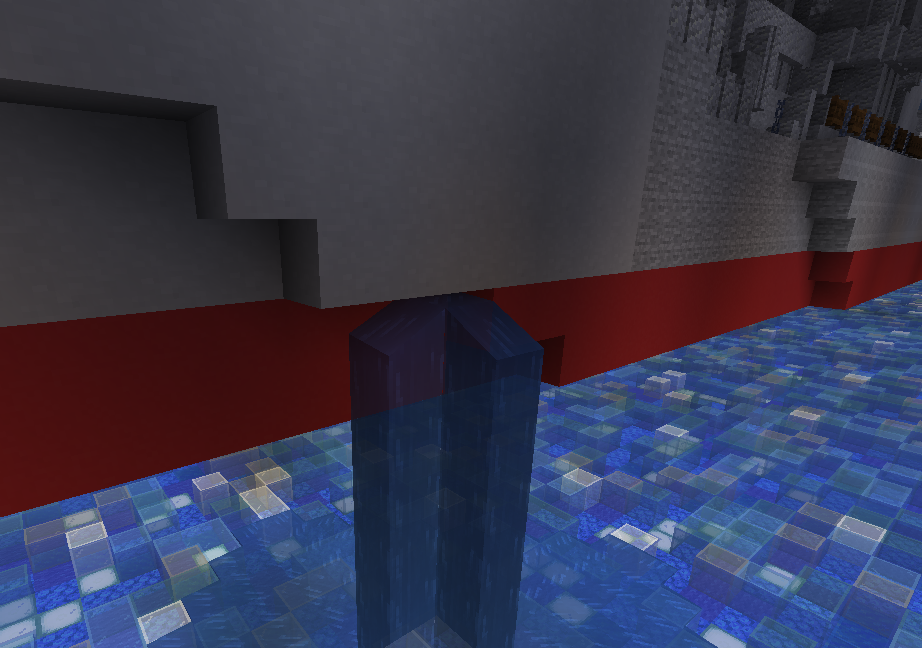
- You can pilot naval crafts in your plot by placing a small amount of water.

Cannons
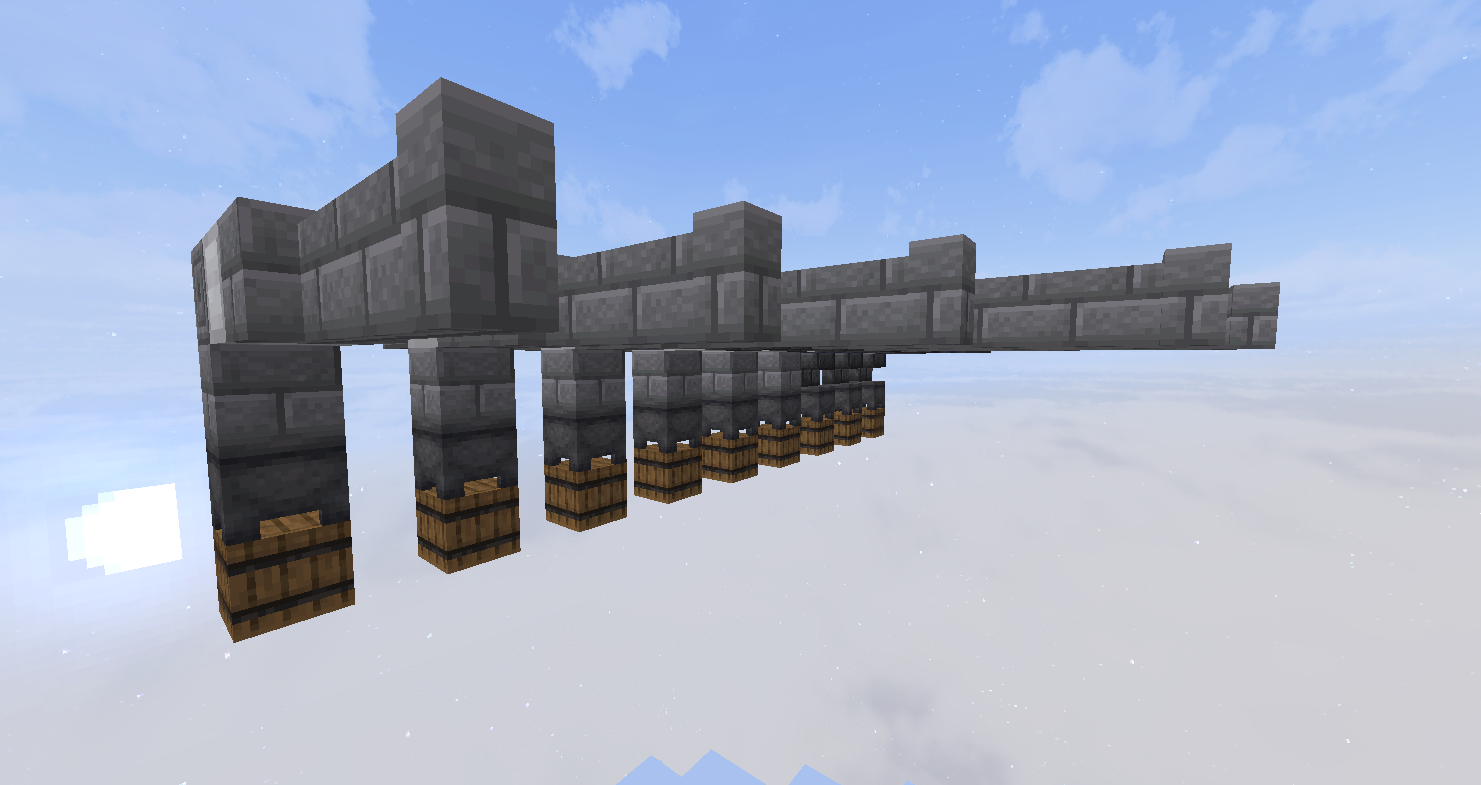
Cannons range from static artillery, land turrets, sea guns and even torpedoes.
The full list and relevant information can be found at SovereignMC Cannons. {.is-info}
Craft Information Example: Corvette — Firepowerlimit: 40 — Allowed cannons: 5-Inch Gun.
- Each craft is limited to a few cannon classes (in this case Corvettes are limited to 5-Inch Guns).
- Each Cannon is assigned a Firepower value.
- Each craft is assigned a Firepower limit value.
So in this example Corvettes are limited to only two 5-Inch Gun.
If you are too lazy to recreate the cannons from the images you may use //schem load (schematic) • to load a schematic to your clipboard.
- 5inCannon
- 6inCannon
- 8inCannon
- 12inCannon
- 14inCannon
- 16inCannon
- HeavyTorpedo
- Torpedo
- LightTorpedo
- 105mmTankCannon
- 120mTankCannon
You may use //schem list to view all of the schematics in the Creative Server.
Subcrafts and Turrets
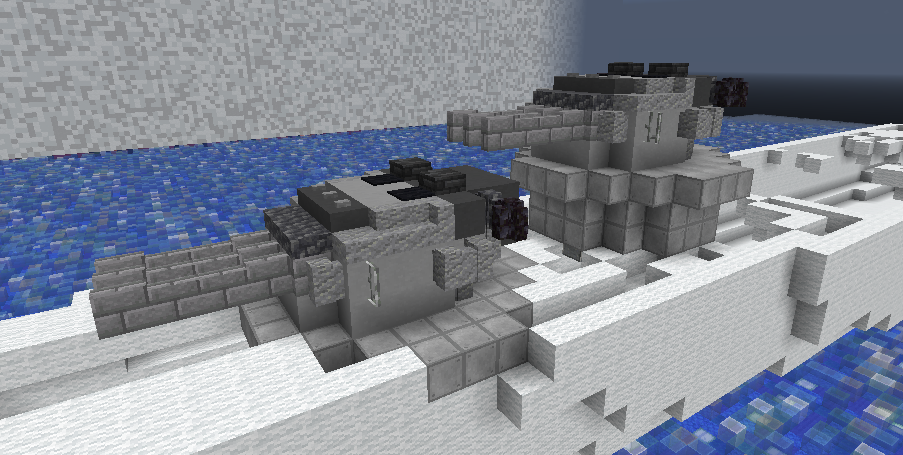
Subcrafts are crafts-within-crafts, they are what allow the gun turrets on your ships to properly rotate. They must follow a few criteria:
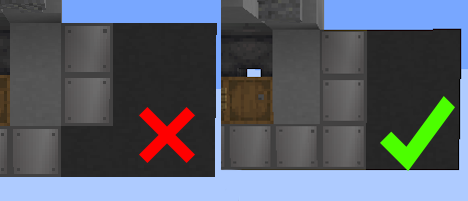
- The turrets must be separated from the main craft by blocks that are allowed on the main craft, but not on the turret. You can do
/craftblocks compare (ship class) Turretto see what blocks are allowed on the ship class you want and turrets. - These separator blocks (in this case, a variant of glazed terracotta) must fully separate the turret and the main craft.
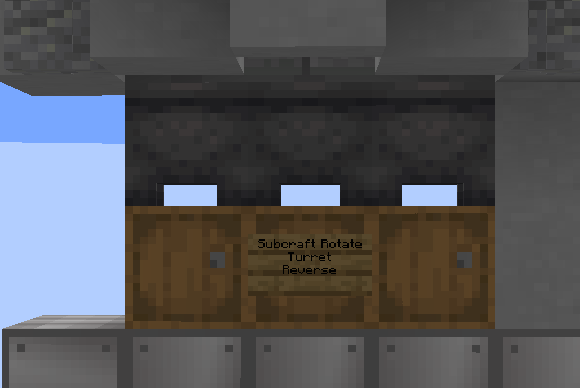
Turrets require a sign to function (if blown up during combat, the turret will be rendered immobile).
The Subcraft Rotate sign will be the anchor point / centre reference from which the turret will rotate. So have it ideally in the bottom-middle of your turret.
You can write Reverse on a sign and it will reverse the turret rotation (Rotating left turns the turret right etc). This is useful for turrets located at the rear end of a ship.
- Line 1: Subcraft Rotate
- Line 2: Turret
- Lin3 3: Reverse* (Optional)
These turrets can be controlled by either:
- Piloting a craft, using a clock and aiming at the direction you wish to shoot
- Manually rotating the guns by doing
/crafttools create Turret. By left and right clicking whilst having the craft tool in hand, you can achieve a greater degree of precision in aiming. Typically used by more veteran and experienced movecrafters. - You can test an individual turret’s functionality by left clicking or right clicking on the Subcraft Rotate sign.
Movement and Controls
Controlling your craft using manual controls, craft tools and immersive controls.
Piloting Crafts

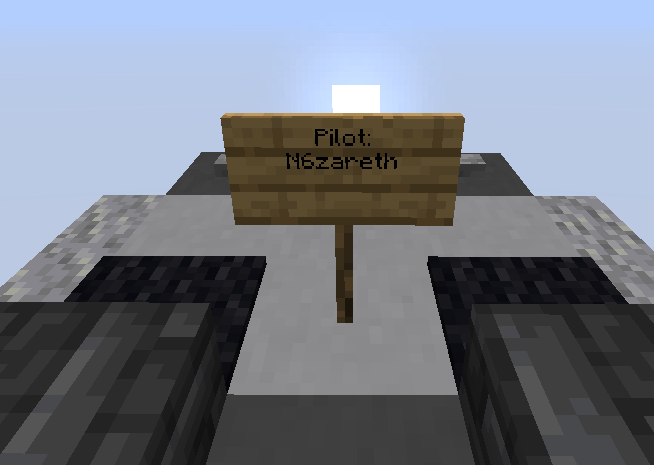
When doing /pilot (craft) the craft’s front will be set to whichever direction you were facing when you did the command. To set your craft’s front, add a pilot sign by typing Pilot: on the first line of the sign. It will automatically type out your name
 .
.
Craft Controls
There are three ways to control crafts:
- By using a stick and right clicking in the direction you want to move, you can move your craft one block at a time. Good for parking / docking and removing your craft from an awkward position..
- By using commands like
/cruise (direction)*. Setting the direction is optional as it will default to cruising towards the direction you’re facing. Good for long distance travel. - By doing
/ic,/dcyou enter immerisive controls where you use WASD to move. Good for naval combat.